

How to Teach on Outschool: A Step-by-Step Guide for K–12 Educators
If you’re a current or former teacher looking for flexible ways to reach students online, learning how to teach on Outschool might be your perfect next step.
With its flexible format, worldwide reach, and freedom to design your own curriculum, learning how to teach on Outschool gives educators a unique opportunity to create meaningful classes on their own terms.
As a longtime classroom teacher and Montessori-trained guide, I started teaching on Outschool back in 2020 out of curiosity — but it quickly became something much more. I led small group classes and one-on-one sessions across several subjects, eventually finding my rhythm in private tutoring. Not only did it fill my schedule, but it also filled my soul.
If you’re wondering how to get started or what to expect when you teach on Outschool, this guide will walk you through everything from the application process to your first class. And because we can, we’re sharing a $20 credit so your child can try a class of their own. Who knows — you might find yourself inspired to teach one too!

What Is Outschool?
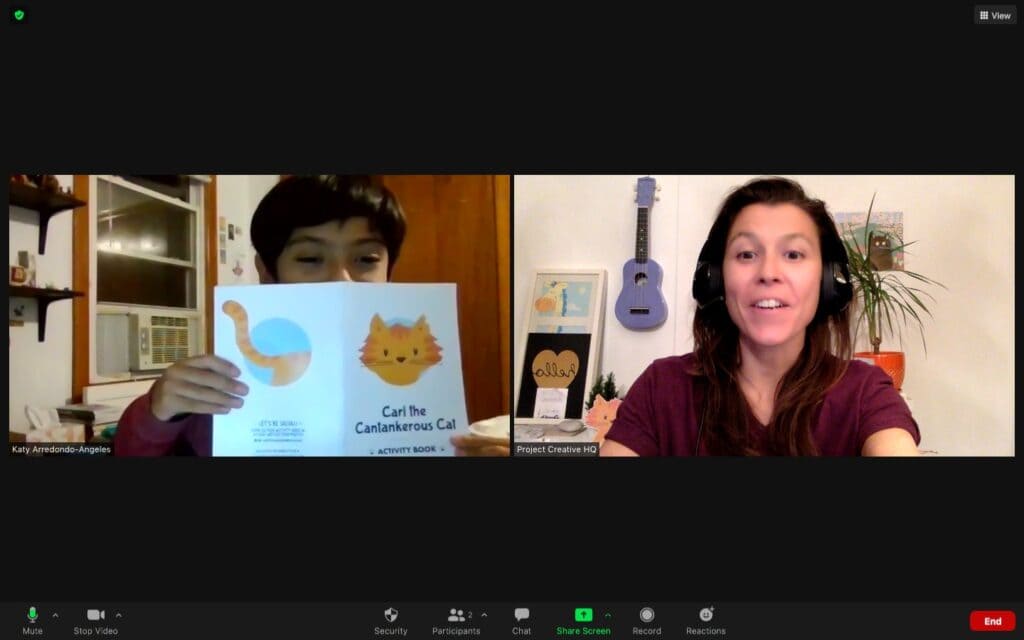
Outschool is an online learning platform offering live, virtual classes for learners ages 3–18. Educators on the platform—many of whom are certified teachers, homeschoolers, specialists, or professionals in their field—create and teach interactive classes over Zoom.
Subjects range from core academics like reading and math to unique topics like dog training, storytelling, video game design, or social-emotional learning. Classes can be one-time, ongoing, short courses, or flex (pre-recorded) format. Whether you prefer teaching groups or individual students, there’s room to build a rewarding teaching business that suits your lifestyle.
Want to Teach on Outschool? Here’s What You’ll Need
One neat thing about Outschool is that you don’t need a formal teaching credential to get started. If you have a passion, a skill, or an area of expertise you’d love to share with kids, Outschool gives you the space to do just that.
That said, there are a few requirements to keep in mind:
- You’ll need to be 18 or older.
- You must live in one of the supported countries (the U.S., Canada, the U.K., Mexico, Australia, New Zealand, South Korea, or Spain) for at least six months of the year.
- You’ll need a PayPal account to receive payments.
- Classes should be based on something you truly love or know well. Outschool values passion just as much as experience.
- You’ll need to meet Outschool’s community standards, which include clear, professional communication with families and the Outschool team.
- All classes must follow the content policy — that means secular, objective lessons that are welcoming to all learners.
- A strong internet connection (over 3 Mbps upload and download) is essential for smooth live classes.
- You should feel comfortable with basic tech tools for running virtual lessons.
- A good command of written and spoken English helps you connect clearly with students.
- You’ll need to verify your identity and pass a background check.
Outschool’s educator eligibility depends on privacy laws and background check systems in each country, but they’re always looking to expand access. If you don’t see your region listed, you can share your interest through their country suggestion form.
Teach on Outschool in 9 Simple Steps
Want to teach on Outschool but not sure where to start? I’ve been there — and once you know the steps, it’s actually a smooth and exciting process. Let me walk you through how it all works.
Step 1: Get to Know Outschool
Before you apply, take a little time to explore what Outschool is all about.
Check out Outschool to explore the Educator Library, browse the Information for Prospective Educators, or join an Outschool Community Group to connect with current teachers. It’s a great way to see the variety of classes and teaching styles already out there.
Step 2: Apply to Teach on Outschool
When you’re ready, create your free educator account and fill out your application.
You’ll be asked to:
· Provide your name and contact info
· Share your background, experience, and passions
· Write a short bio
· Record a quick 1–3 minute intro video to show your teaching personality
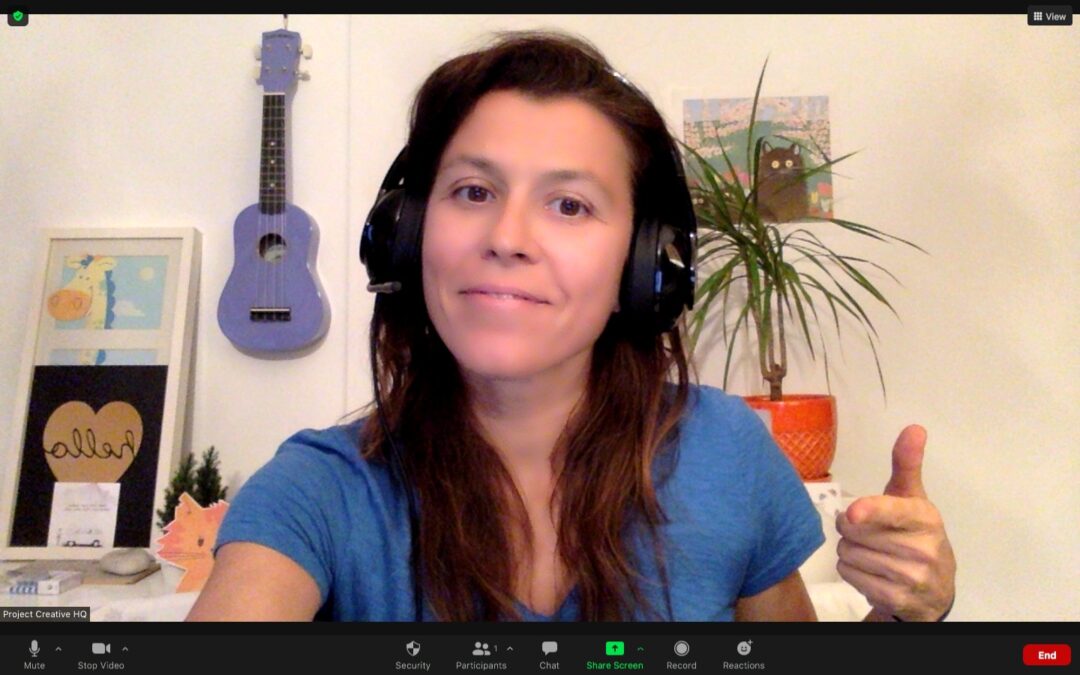
💡 Teacher Tip: Don’t overthink the video! Be yourself, speak clearly, and let your enthusiasm shine through. A genuine tone matters far more than fancy editing.
Once you submit, you’ll typically hear back from the Outschool team within a few business days.
Step 3: Verify Your Identity
If your application is approved, you’ll verify your identity through a quick and secure process with Persona (Outschool’s verification partner). It only takes a few minutes and helps keep the platform safe for everyone.
Step 4: Complete Your Background Check
Next comes a free, private background check through Checkr.
Once you pass, you’re officially one step closer to joining the Outschool educator community!
(Note: Outschool currently supports teachers based in countries like the U.S., Canada, the U.K., Mexico, Australia, New Zealand, South Korea, and Spain.)
Step 5: Watch the Required Learning Videos
Before teaching your first class, you’ll watch two short policy videos on your educator dashboard — one about Class Content Policies and one on Safety and Privacy. These make sure every class stays engaging, safe, and inclusive.

Step 6: Complete Your Public Teacher Profile
Now it’s time to build your public profile. This is what families will see when they’re browsing for classes.
Add a friendly photo, a short bio, and a few details about your teaching style and interests. Think of it as your virtual classroom welcome board.
Step 7: Design and List Your First Class
You made it — now for the fun part! 🎉 It’s time to create your very first class on Outschool. This is where you get to bring your passions to life and share them with curious learners from all over the world.
You can design any type of class that fits your interests, schedule, and teaching style:
- One-Time Classes: Great for getting started and gathering reviews.
- Ongoing Classes: Weekly meetups like clubs or creative writing circles.
- Short Courses: 2–6 sessions that follow a clear progression.
- Flex Classes: Pre-recorded lessons students complete at their own pace.
- Private Tutoring: One-on-one sessions tailored to individual learners.
Every new class listing is reviewed by the Outschool team before it’s published to ensure clarity, safety, and quality. Reviews usually take up to three business days, and once approved, your class will officially go live for enrollments!
From here, you can keep building — adding new classes, trying different formats, and finding your flow as an Outschool educator.
💡 Teacher Tip: Start small, maybe a one-time or short course, and expand once you feel comfortable.

Step 8: Open Your Schedule and Teach on Outschool
Once your class is approved, you can publish it, open time slots, and start welcoming learners.
You’ll teach via Zoom directly through Outschool’s educator dashboard, which also lets you:
- Message families
- Share class materials
- View rosters and attendance
- Get paid weekly
When I first started, I offered group classes on topics I loved most — storytelling, word games, and cats. Once I built trust with families, I added private tutoring sessions, which quickly filled up. Eventually, I shifted almost entirely to one-on-one sessions because they allowed me to truly tailor lessons and see students’ confidence grow.
Step 9: Keep Learning and Growing
You’ll find even more helpful tools and inspiration inside the Educator Library on your dashboard. It’s packed with examples, tips, and professional development resources to help you keep growing as an Outschool teacher.
Teaching on Outschool and VIPKid—two online teaching platforms—have been among the most rewarding and unique experiences of my career. With Outschool, I’ve been able to design creative classes around my passions, while VIPKid allowed me to teach English to children in China and connect across cultures, all while staying true to Montessori principles of curiosity, independence, and joyful learning.
If you’ve ever wanted to teach online, Outschool is an excellent place to start.
👉 Use my referral link to apply and begin your journey!

What You Can Expect When You Teach on Outschool
Here’s what stood out to me the most after over a year of being lucky enough to teach on Outschool:
Supportive Families
One of the best parts of teaching on Outschool has been the families. While not every interaction is perfect, my overall experience has been overwhelmingly positive. Most parents are invested, encouraging, and genuinely grateful. It’s easy to see why families love Outschool—they’re often looking for enrichment or support that traditional schools can’t always provide, and they truly value teachers who bring care and creativity to their classes.
Sure, I’ve been ghosted a few times by potential new clients—that’s just part of the process—but the families I’ve worked with have been thoughtful, communicative, and wonderfully supportive.
Relationship-Based Teaching
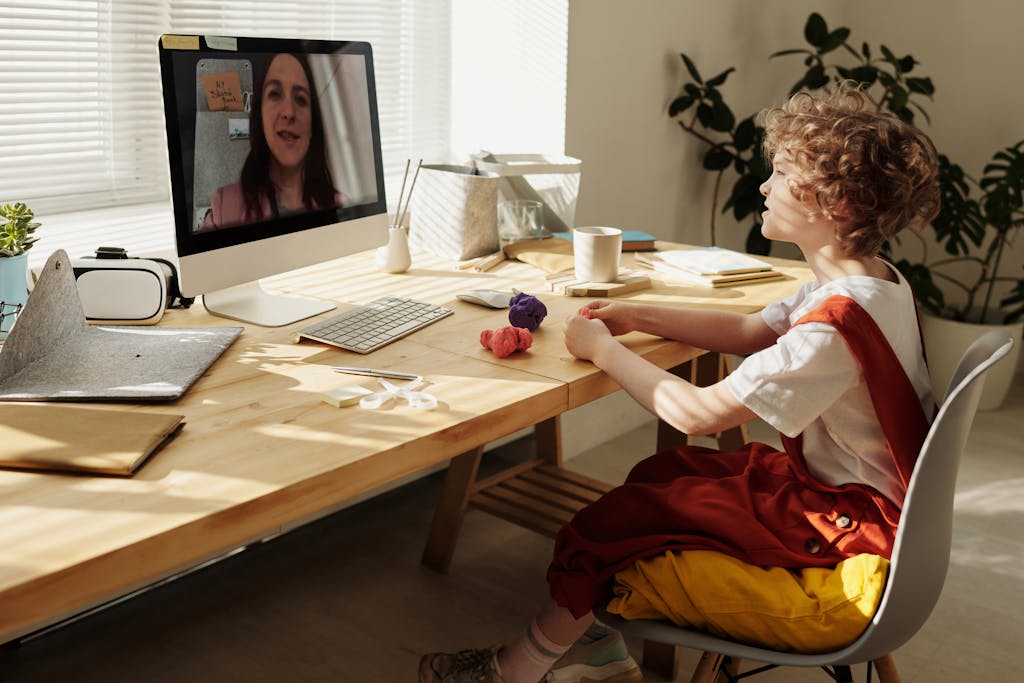
One-on-one tutoring turned out to be my sweet spot, but what surprised me most about teaching on Outschool was how naturally relationships developed in every setting. Whether I was meeting with a single learner or leading a small group, connection always came first.
Online learning environments make it easy to see each student as an individual. I learned their interests, noticed their progress, and adjusted lessons in real time. In groups, students built relationships with one another too—celebrating wins, sharing ideas, and encouraging peers who needed a boost.
That sense of connection is what keeps online teaching meaningful. No matter the class size, when students feel seen and supported, engagement grows and learning deepens.
Feedback that Fuels Growth
After each class, parents and learners can leave reviews. These not only build your credibility on the platform but also offer valuable insight into what’s working. Reading through feedback helped me see my teaching from the learner’s perspective—what they enjoyed, what they found challenging, and what stuck with them after class. It’s a chance to celebrate successes while spotting opportunities to refine your approach.
Some of my favorite comments have come from unexpected moments—a shy student who found their voice during a group discussion, or a parent who shared how much confidence their child gained after a few sessions. Those small reflections remind you why you teach in the first place.
The Power of Niche
Don’t be afraid to niche down. Whether you love marine biology, Minecraft math, or Shakespeare for 9-year-olds, there’s likely an audience for it. Outschool families are actively searching for creative, specific classes that align with their child’s interests. The more focused your offering, the easier it is to attract the right students and stand out from the crowd.
When I first started, I worried that my class ideas were too narrow – Montessori math tutoring and a class about onomatopoeia. But it turned out that being specific made them more appealing. Parents appreciate teachers who bring genuine enthusiasm and expertise to a topic, and students are more engaged when they sense that passion.
Your niche becomes your signature—an authentic reflection of what you love to teach and who you most enjoy teaching.
Grace & Courtesy Command Cards
Our Grace & Courtesy Command Cards use short role-play prompts to help kids practice turn-taking, emotional regulation, and respectful communication. Perfect for live classes and small groups.
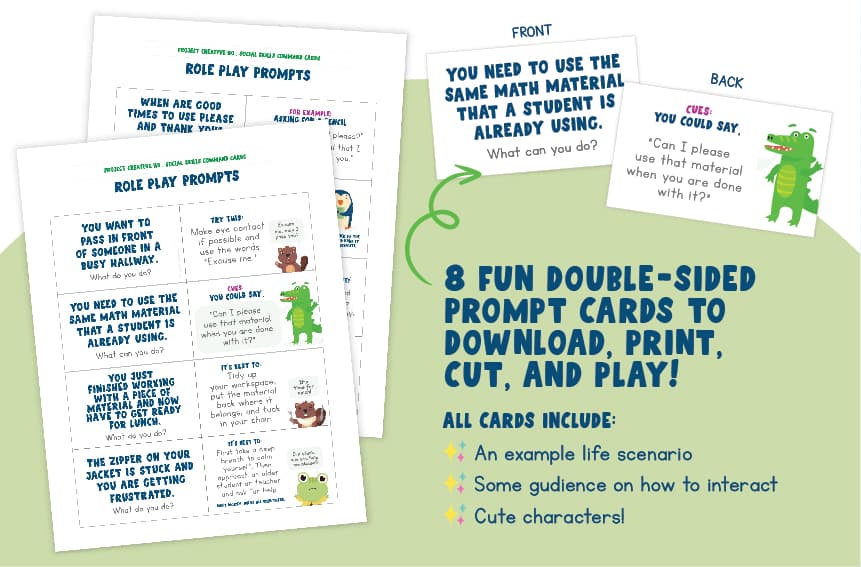
📥 Get them free when you join our newsletter.
Tips to Succeed When You Teach on Outschool
Here are a few extra pieces of advice I wish I had known early on:
✅ Keep your camera and mic setup simple but clear. Good lighting and audio make a big difference.
✅ Communicate early and clearly with parents. Especially for private tutoring or classes with multiple sessions.
✅ Build relationships. Some of my longest-running students stayed with me for over a year.
✅ Be responsive and reliable. Word travels fast, and consistency is key.
Why Teach on Outschool?
Here are just a few reasons why you may want to consider teaching on Outschool:
Flexibility
You set your own hours, design your own classes, and teach from anywhere.
Set Your Own Rate
You decide what your time and expertise are worth, giving you full control over your income potential.
Freedom of Content
Teach what you’re passionate about. Even niche subjects have an audience.
Earn Income Doing What You Love
Many teachers build full-time or part-time income on the platform.
Connection With Learners Worldwide
Teach curious students from around the globe in a safe, positive online space.
Built-In Platform Support
Outschool handles payments, tech setup, and much of the marketing, so you can focus on teaching.
For me, teaching on Outschool became the perfect blend of meaningful work and personal freedom. And if you’re the kind of educator who lights up when working one-on-one with kids, or who thrives when you get to design your own super amazing lessons, this may be your place, too.
The Wrap-Up: How to Teach on Outschool
To teach on Outschool is to join a creative, global community of educators who are redefining what learning can look like. Whether you’re hoping to supplement your income, step away from the traditional classroom, or simply share what you love in your own way, Outschool gives you the freedom and support to make it happen.
For me, it became so much more than just an online teaching platform. It was a flexible, fulfilling way to connect with learners who truly want to be there. And if you’re feeling that spark of curiosity, I can say this with confidence: there’s absolutely a place for you teaching on Outschool.
👉 Ready to get started? Click here to get started teaching on Outschool
Love this info? 📌 Pin it for later!
💡If this sparked your curiosity, you might also enjoy these Outschool-inspired reads:
Looking for an Outschool Promo Code? Here’s the Best Deal
Why Families Love Outschool: Flexible Online Learning Benefits
Outschool Virtual Summer Camps Worthy Of Getting Excited About
11 Amazing Outschool Classes That Make Me Excited for Kids
Discover Outschool: Online Learning Your Child Will Love
